6 Best Real Time Reporting Automation Software for Small Businesses
You are still waiting on yesterday's sales numbers. By the time a weekly report lands in your inbox, the stockout, missed follow-up, or delayed job has already cost you money. That lag is usually what pushes small teams to start comparing reporting tools.
This article breaks down what small businesses actually need in real time reporting automation, from key features to pricing and scalability. Then it ranks the 6 best options and explains why Tasks.Bot takes the top spot, so you can pick a tool with confidence.
What to Look For in Real Time Reporting Automation Software
Selecting the right real time reporting automation software requires balancing immediate data access with long-term scalability and ease of use. For small businesses, the stakes are straightforward: decisions made on fresh data tend to be better than decisions made on last month's spreadsheet.
Real time reporting matters most when the cost of waiting is high. A retail owner watching inventory levels during a promotion, or a service firm tracking project margins as work is completed, cannot afford a reporting lag of days. Automation closes that gap by pulling data continuously rather than waiting for someone to compile it.
The manual effort saved is often the bigger win. When scheduled reports and live dashboards replace copy-and-paste routines, staff hours shift from assembling numbers to acting on them. Research suggests that teams using automated reporting tools spend noticeably less time on data preparation, though the exact savings vary by business.
Speed of decision-making follows naturally. Instant analytics means a pricing change, a staffing adjustment, or a supplier switch can be evaluated the same day rather than at month end. That responsiveness is what separates cloud-based reporting from traditional periodic reviews.
Two factors deserve the closest scrutiny before committing: the features that determine day-to-day usefulness, and the pricing structure that determines whether the tool still fits in two years. The sections below cover both.
Key Features Small Businesses Need
Small businesses should prioritize live dashboards, instant analytics, and KPI tracking to monitor performance without delays. Beyond those basics, a handful of capabilities separate genuinely useful platforms from tools that look impressive in a demo but sit unused.
Real-time data sync keeps figures current across every connected source. Whether the input is a point-of-sale system, an accounting ledger, or a CRM, the dashboard should reflect the latest transaction, not yesterday's batch. For a shop tracking daily sales, that means seeing the morning's totals at lunchtime.
Customizable dashboards let each role see what matters to them. A founder may want revenue tracking and expense management side by side, while an operations lead cares about inventory reporting and fulfillment speed. A custom report builder supports that without requiring a developer.
Automated alerts turn reporting from passive to active. A threshold on stock levels, a drop in conversion, or an unusual expense can trigger a notification before the problem grows. This is especially valuable for businesses without a dedicated analyst.
Integration with existing tools determines how much manual work disappears. Look for CRM integration, API connectivity, and prebuilt data connectors covering the platforms you already use. ETL pipelines that run quietly in the background save far more time than a tool that requires weekly CSV uploads.
Supporting features worth checking include data visualization options, scheduled reports for stakeholders who prefer email, and performance monitoring across marketing dashboards, financial reporting, and operational metrics. Business intelligence platforms that cover several of these areas reduce the number of separate subscriptions a small team must manage.
Pricing and Scalability Considerations
When evaluating pricing, consider not just the monthly cost but also how the software scales with your team and data volume. A plan that fits five users comfortably may become expensive at fifteen, and storage limits can quietly cap how much history you can analyze.
Most SaaS reporting solutions fall into a few common models:
- Per user, per month: predictable for small teams, but costs climb with every new hire.
- Tiered by features: lower tiers may exclude automated alerts, API connectivity, or advanced data connectors.
- Usage based: tied to rows processed, reports generated, or data storage, which can be efficient or unpredictable depending on volume.
Hidden costs deserve equal attention. Setup fees, data migration, and training time are frequently excluded from headline prices. A tool that looks cheaper per month can cost more in the first quarter if it requires paid onboarding or outside help to configure ETL pipelines.
Scalability questions to ask before signing include user limits, data retention policies, and whether historical data can be exported if you leave. Cloud-based reporting platforms generally handle growth more gracefully than installed software, but the specifics vary by vendor.
On negotiation, it helps to ask about annual discounts, the cost of adding users mid-term, and whether lower tiers can be trialed before upgrading. To assess ROI, compare the subscription against the staff hours currently spent assembling reports and the value of faster decisions. Research suggests automation pays off fastest in businesses that report frequently, though the break-even point depends on your current process.
A practical test is to estimate your data volume and headcount twelve months out, then confirm the vendor's pricing at that level rather than today's. Choosing software that fits only your current size often means switching again within a year.
1. Tasks.Bot - Best Overall
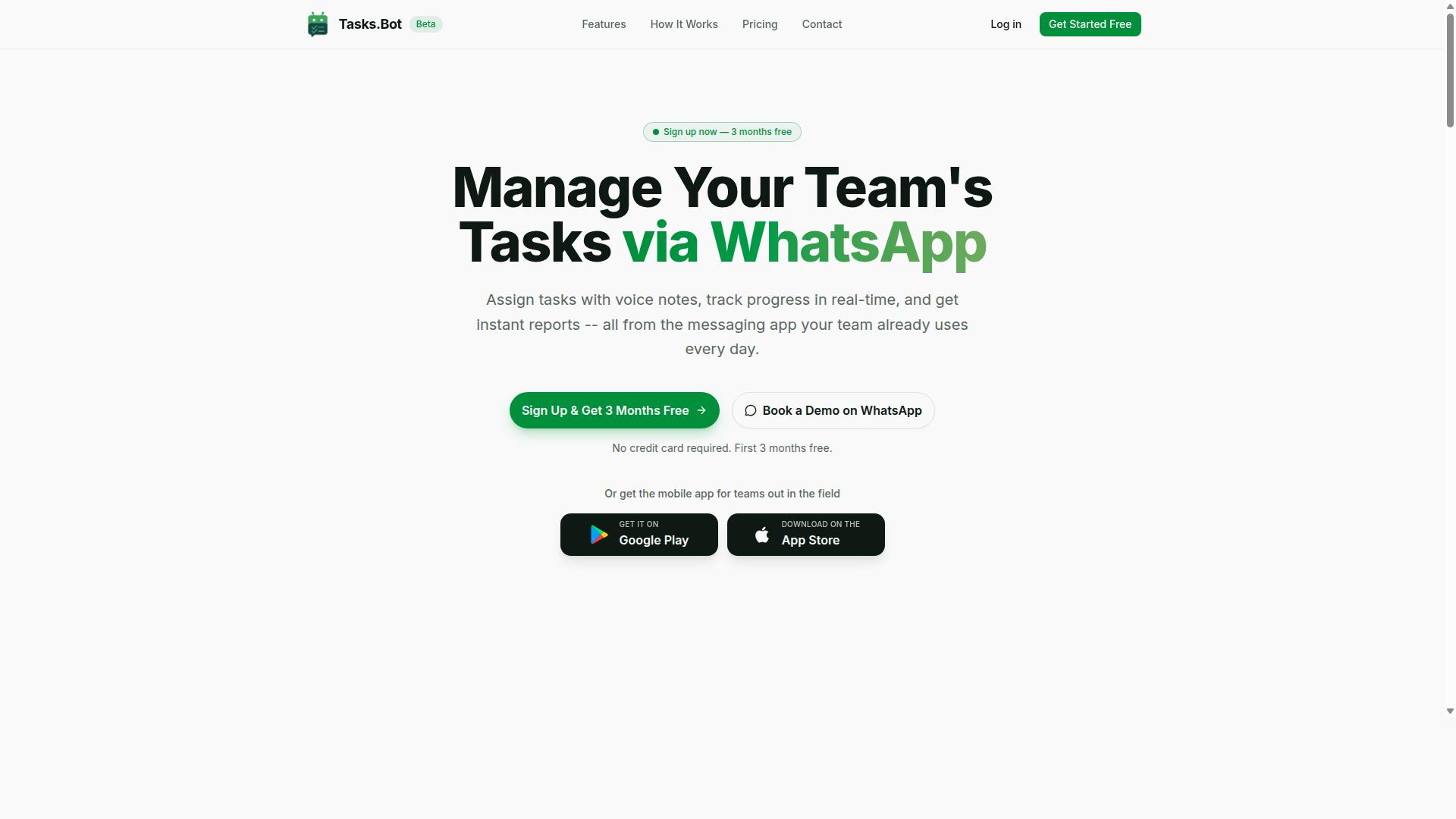
Tasks.Bot stands out as the best overall real time reporting automation software for small businesses due to its unique WhatsApp-based approach. Instead of asking teams to learn another dashboard, it brings task management and instant reporting into the chat app most small business teams already use every day.
That matters because adoption is often the hardest part of any reporting tool. A cloud-based reporting solution only delivers value when people actually use it. Tasks.Bot removes that barrier by meeting staff where they already are, with native WhatsApp integration and companion Android and iOS apps.
The platform uses AI to understand user intent and create tasks from messages, so routine updates turn into structured records without extra data entry. Small businesses get performance monitoring and instant analytics tied directly to the work being done, not to a separate reporting routine.
Teams that already run their operations on WhatsApp tend to see the fastest fit. There is no new login habit to build, no separate app to check, and no gap between where tasks are assigned and where results are reviewed. The two sections below cover how reporting works inside WhatsApp and what the pricing looks like.
Real Time Reporting Inside WhatsApp
Tasks.Bot delivers real-time reporting directly within WhatsApp, eliminating the need for separate dashboard apps. Reports are generated from the tasks and updates flowing through the chat, so the numbers reflect current work rather than a stale export.
Task creation is flexible. Team members can type a message or use voice note task creation, and the AI interprets the intent to build the task. From there, automatic task assignment and smart deadline reminders keep work moving without a manager chasing every item.
Approvals and automations handle the sign-off steps that usually slow small teams down. When something needs a yes or no, it happens in the same thread where the work was discussed.
For a small business tracking field staff, the practical picture looks like this:
- Field staff send voice notes or messages as they complete visits
- Tasks appear on a map so managers see where work is happening
- A live day tracker shows progress through the day, not at month end
- Face-verified attendance confirms who was actually on site
- Shifts, leave, and hours management stay in one place
- Instant reports summarize activity without leaving the chat
That combination gives owners employee productivity visibility and operational metrics in near real time. Because everything runs through WhatsApp, instant analytics arrive where decisions actually get made. There is no lag waiting for someone to compile a weekly summary, and no separate business intelligence platform to configure before the first useful report appears.
Pricing and Free Trial
Tasks.Bot offers a straightforward pricing model with a full-access plan and a free trial to test its real-time reporting capabilities. There are no feature tiers to compare, because the Full Access plan includes all features.
Pricing is listed in Indian Rupees and US Dollars, with a currency selector on the site. The structure is simple:
| Plan | Price | Notes |
|---|---|---|
| Monthly | ₹200 per member per month | Billed monthly per member |
| Annual | ₹1,200 per year per member | Save 50%, save ₹1,200/yr per member |
New users get 3 months free, with no credit card required and the option to cancel anytime. That trial window is long enough for a small team to run real tasks through the system and judge whether the reporting fits how they work.
A demo can be booked on WhatsApp, which lets a prospective buyer see the reporting flow inside the actual chat environment rather than a slide deck. For teams that want to evaluate risk first, the refund policy supports a risk-free assessment.
Per-member pricing scales cleanly as a business grows. A five-person team and a twenty-person team pay in proportion to seats, and the annual option cuts the effective cost roughly in half compared with paying month to month. For a small business weighing SaaS reporting solutions, that predictability makes budgeting easier than tiers that charge extra for reporting or analytics modules.
2. Reminderly.ai
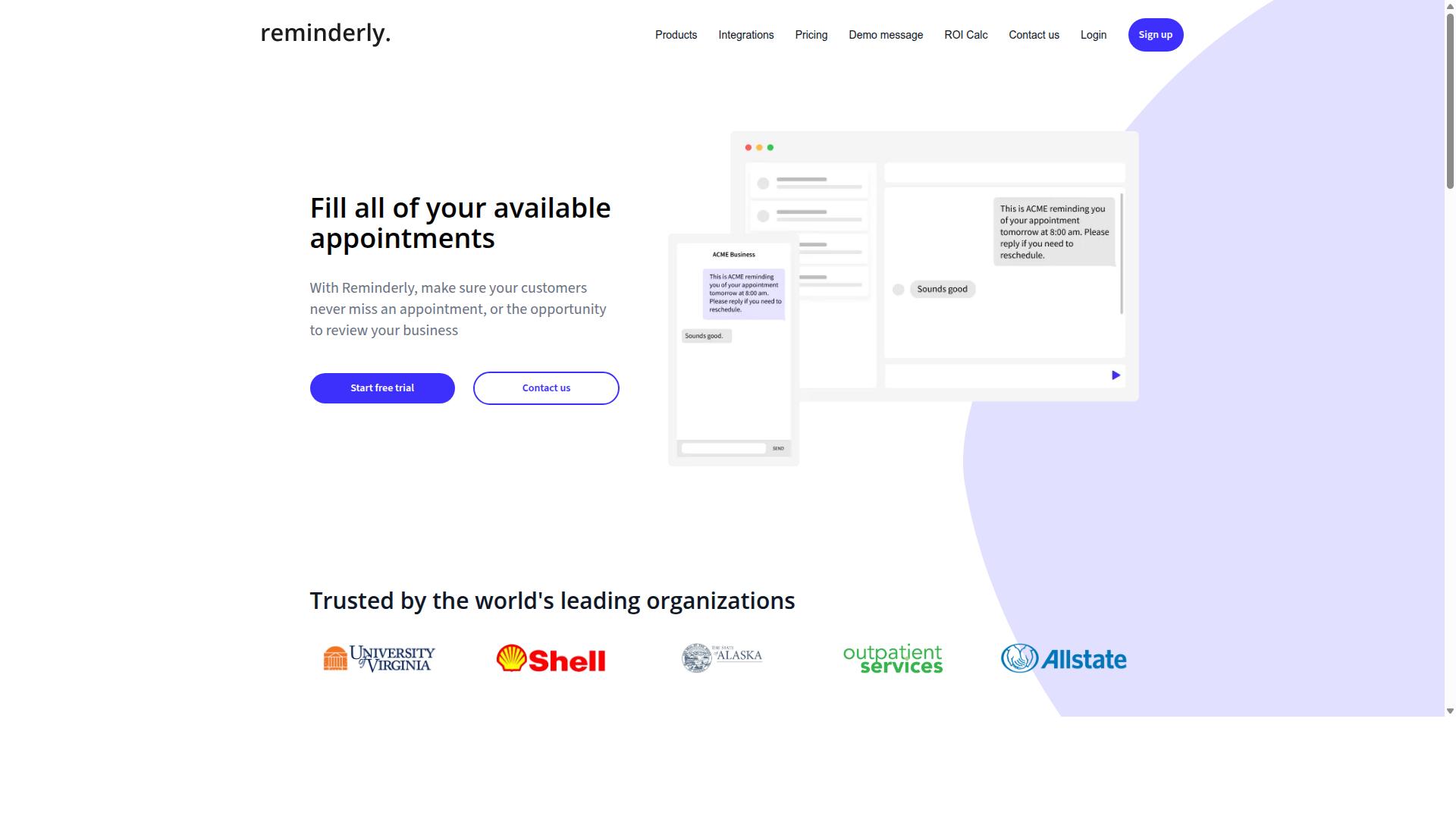
Reminderly.ai is a real time reporting automation tool that focuses on scheduled reminders and basic analytics for small teams. It sits in a practical middle ground between simple task apps and full business intelligence platforms, aiming to keep people informed without requiring them to log in and dig through data manually.
The core idea is straightforward. Instead of asking a manager to open a dashboard every morning, the tool pushes scheduled reports and reminders to the people who need them. That makes it a reasonable fit for teams that want automated reporting tools without a steep learning curve.
Based on publicly available information, Reminderly.ai appears positioned around reminder-driven workflows rather than deep analytical modeling. Readers evaluating it should confirm current capabilities directly with the vendor, since feature sets in this category change quickly.
Typical use cases tend to cluster around recurring communication. A team might schedule a daily summary of open items, a weekly recap of progress, or a nudge when a deadline approaches. These are the kinds of performance monitoring habits that keep small groups aligned without heavy process overhead.
For small businesses, the appeal is usually simplicity. A tool that handles reminders and light reporting can reduce the number of separate systems a team juggles, which matters when there is no dedicated analyst on staff.
It may suit teams that need basic automation and are comfortable with a narrower feature set. Organizations looking for a custom report builder, extensive data connectors, or advanced KPI tracking across many sources may find they outgrow this type of tool.
- Best for: small teams wanting scheduled reminders and simple summaries
- Strengths: low setup effort, recurring notifications, lightweight analytics
- Consider elsewhere if: you need deep data visualization, complex ETL pipelines, or broad API connectivity
When comparing options, ask a few practical questions. Does the tool connect to the systems you already use? Can reports be scheduled and delivered where your team actually works? How much configuration is required before the first useful output appears?
Reminderly.ai is worth a look for teams whose reporting needs are modest and reminder-driven. As with any SaaS reporting solution, verify current features, integrations, and pricing with the provider before committing, and treat it as one candidate among several rather than a default choice.
3. TaskRio
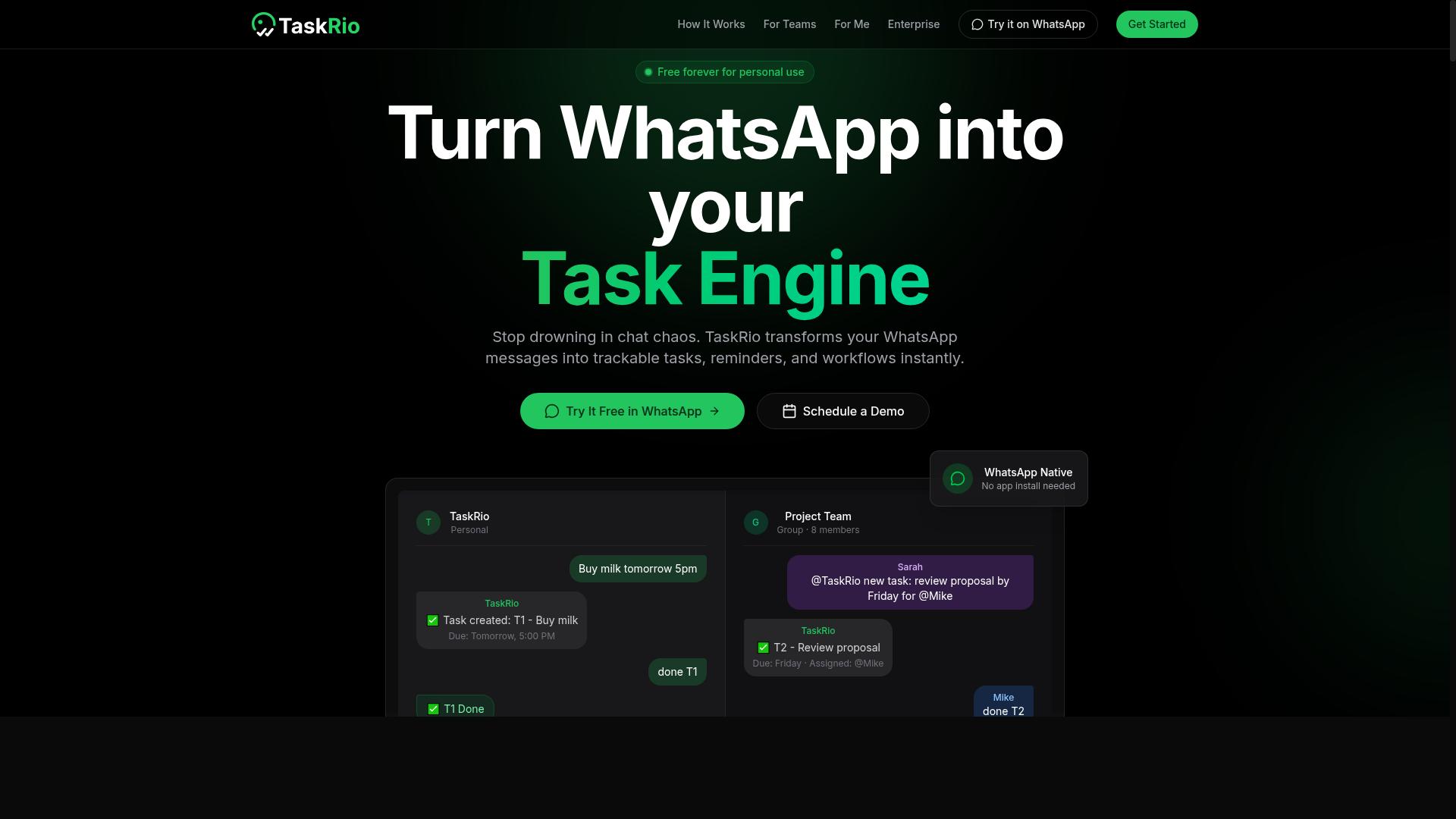
TaskRio combines task management with real time reporting, offering dashboards and KPI tracking for project-based teams. It aims to keep work progress and performance monitoring in the same place, so managers can follow a project without switching between a task board and a separate analytics tool.
The core appeal is project management analytics. Rather than treating reporting as a bolt-on, TaskRio presents task status, workload, and completion trends as live information. For small teams running client projects, campaigns, or product sprints, that overlap can reduce the manual effort of pulling numbers together each week.
Its custom report builder is the other notable piece. Teams that need more than the default views can typically assemble their own reports around the metrics they care about, then use scheduled reports to share updates on a routine. This suits groups that want recurring visibility without someone rebuilding the same summary by hand.
As with many project-focused tools, TaskRio may require additional setup for integrations. Connecting it to other systems, such as a CRM or a data source outside the platform, is not always instant and can involve configuration work. Small businesses without technical staff should factor that into their evaluation.
TaskRio is best viewed as an option for teams whose reporting needs are tied to projects and tasks. If your questions are mostly about delivery, workload, and progress, a project-centered approach fits well. If you need broad business intelligence platforms capabilities across sales, finance, and operations, a more general tool may serve you better.
- Strengths: task and reporting in one place, live dashboards, custom report builder, scheduled reports
- Considerations: integration setup may take extra effort
- Best fit: project-based teams that track progress and workload
Compare it against the other entries on this list by listing your must-have metrics first, then checking how much configuration each tool needs to surface them. That simple step usually reveals whether a project-focused option like TaskRio is enough, or whether you need a wider cloud-based reporting solution.
4. Karo.bot
Karo.bot is a chatbot-based reporting automation tool that integrates with messaging platforms to deliver instant analytics. Instead of asking users to log into a separate dashboard, it pushes updates into the chat apps teams already use every day.
The appeal here is conversational access to numbers. A manager can ask a question in plain language and receive a summary, a figure, or a simple chart without opening a business intelligence platform. For small teams that live in messaging apps, that removes a real layer of friction.
This chat-first model suits quick KPI tracking and lightweight performance monitoring. It is less about deep exploration and more about fast answers to routine questions, such as how sales are trending or whether a project is on schedule.
Where Karo.bot may fall short is advanced customization. Teams that need a full custom report builder, complex data visualization, or detailed ETL pipelines may find a chat interface limiting. The format favors simple, direct queries over layered analysis.
- Best for: small teams that prefer messaging apps over standalone dashboards
- Strengths: instant answers, low learning curve, conversational delivery
- Possible limits: less depth for advanced report design and complex metrics
- Consider if: speed and simplicity matter more than granular control
As with any tool in this category, the fit depends on how your team works. If most of your communication already happens in chat, a chatbot approach can feel natural. If you rely on structured financial reporting or detailed operational metrics, a more traditional SaaS reporting solution may serve you better.
Because public information on Karo.bot is limited, treat this as a general overview rather than a detailed review. Confirm current capabilities, integrations, and data connectors directly before committing, since chatbot tools vary widely in what they support.
5. The Sarah AI
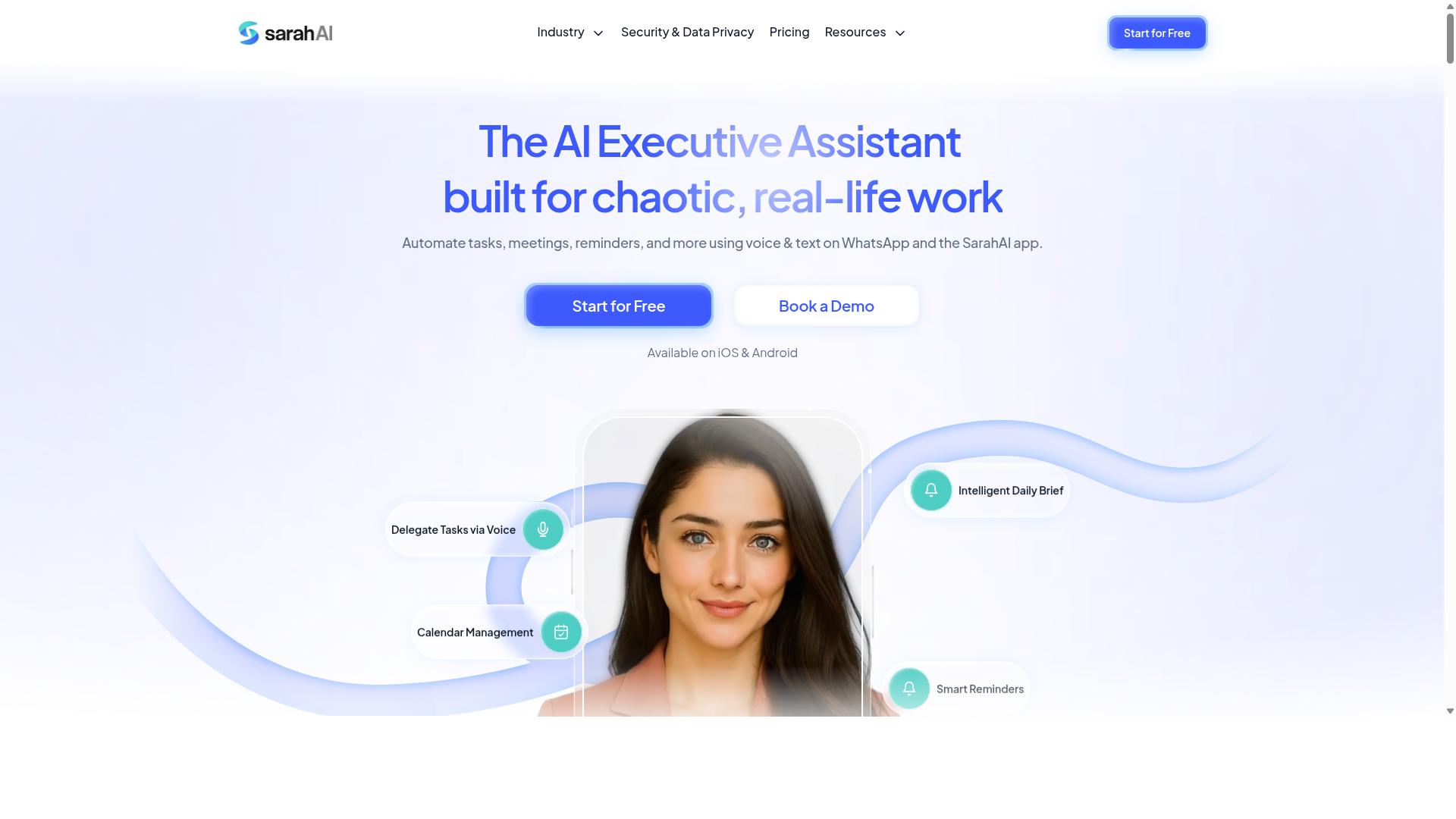
The Sarah AI leverages artificial intelligence to automate report generation and provide performance monitoring for small businesses. It belongs to a newer group of automated reporting tools that lean on machine learning rather than fixed templates, which changes how teams interact with their numbers.
Instead of building every view by hand, users describe what they want to see and the system assembles the output. That approach can shorten the distance between a question and an answer, especially for teams without a dedicated analyst on staff.
Because the product is built around AI-assisted analysis, it may be a better fit for tech-savvy teams who are comfortable adjusting prompts, refining queries, and validating what the model returns. Groups that prefer clicking through a fixed menu of prebuilt views may find the learning curve steeper than expected.
For small businesses weighing real time reporting automation software, the appeal here is the emphasis on intelligence over configuration. The tradeoff is that AI-generated output still needs a human check before it drives a decision.
- Best for: teams that prioritize AI-driven insights and are willing to adapt their workflow around it
- Consider if: you want report generation to feel conversational rather than menu-driven
- Look elsewhere if: you need a predictable, template-first experience with minimal setup
As with any AI-forward platform, results depend heavily on data quality. Clean inputs, consistent naming, and connected sources matter more than the model itself, so it helps to sort out your data connectors before expecting polished output.
It is worth treating The Sarah AI as one option among several rather than a default. Teams that put AI at the top of their priority list may find it compelling, while those who value simplicity and predictable structure may prefer a more conventional tool.
6. Zoye AI
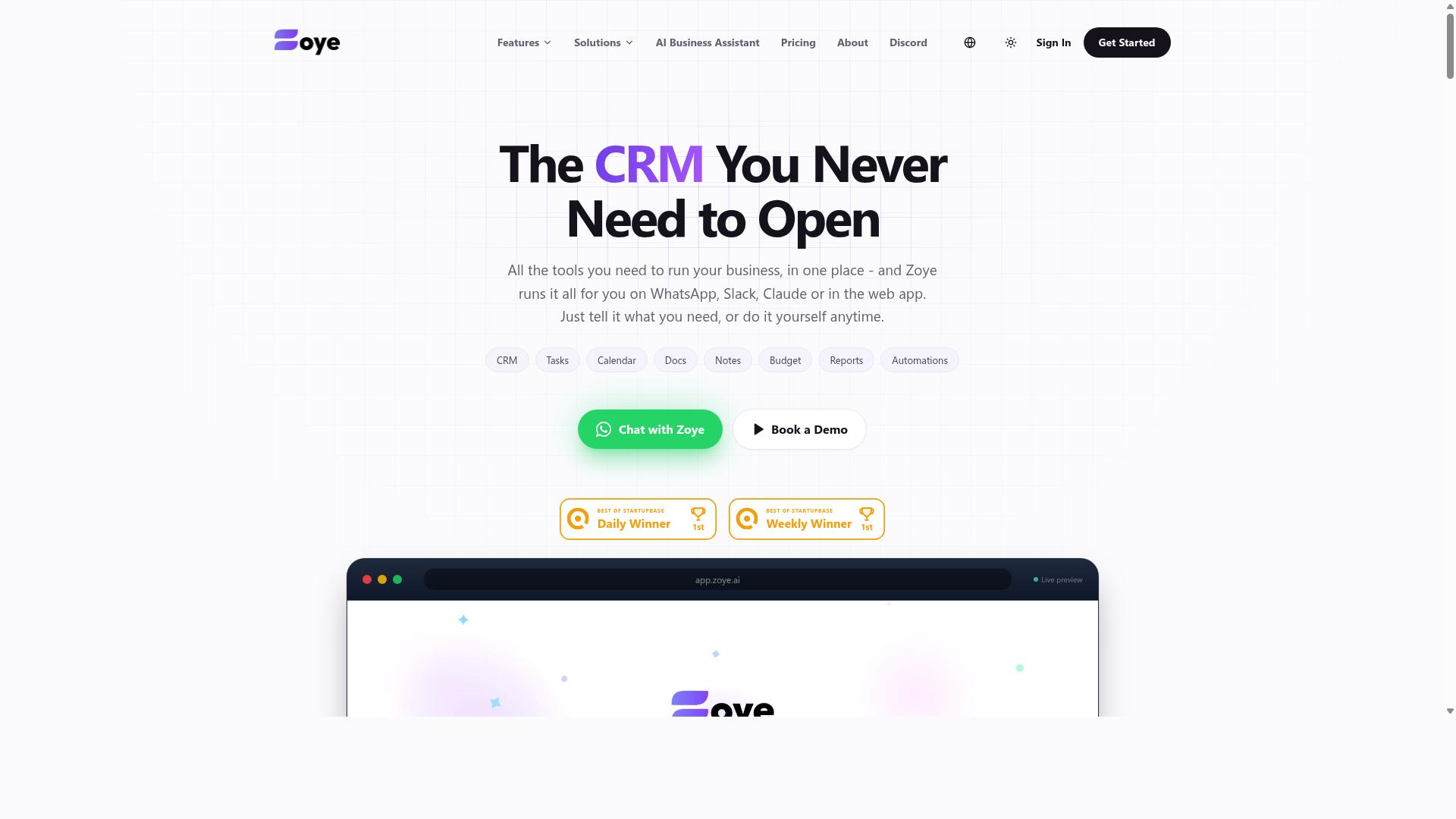
Zoye AI offers real time data sync and custom report building, catering to businesses that need flexible reporting solutions. It appears in conversations about real time reporting automation software because it combines two things small teams often want: live data flowing into reports, and the freedom to shape those reports themselves.
Rather than forcing users into fixed templates, the platform leans on a custom report builder. That approach can suit small businesses with reporting needs that do not fit neatly into standard dashboards, such as mixed operational and financial views.
Its real time data sync is the other draw. Instead of waiting on overnight batch jobs, teams can work from numbers that refresh as source systems change, which supports faster decisions on KPI tracking and performance monitoring.
There is a tradeoff to weigh. Setup may demand some technical expertise, since flexible builders and live data connections often require configuration of data sources, fields, and refresh logic before reports are useful.
- Custom report builder: lets teams design report layouts around their own metrics instead of preset templates.
- Real time data sync: keeps reporting aligned with current data rather than stale snapshots.
- Flexible reporting fit: useful for businesses whose operational metrics and customer insights needs shift over time.
- Setup consideration: may require technical know-how to connect sources and define report structures.
For small businesses comparing automated reporting tools, Zoye AI is worth a look when customization matters more than plug-and-play simplicity. Teams without technical staff may want to confirm the setup effort and available support before committing.
As with any SaaS reporting solution, the practical test is whether it fits your existing data sources and the way your team already works. A short trial focused on your own sales analytics or financial reporting data will reveal more than any feature list.
How to Choose the Right Option
Choosing the right real time reporting automation software depends on your team's communication habits, budget, and reporting needs. Small businesses rarely need every feature on the market. They need the one that fits how work already gets done.
A tool that looks impressive in a demo can sit unused if it forces your staff into unfamiliar habits. Start with what your team already relies on, then work backward to the software.
Step 1: Audit your existing tools. Look at where your team communicates, tracks tasks, and records hours today. If most coordination happens in WhatsApp, a platform built around that channel removes friction from day one.
Step 2: List your must-have features. Real-time dashboards matter more to some teams than others. A sales group may prioritize CRM integration and revenue tracking. A field crew may care about attendance tracking and payroll-ready hours.
Step 3: Set a realistic budget. Cloud-based reporting tools vary widely in cost. Match spending to the reports you will actually run, not the longest feature list.
Step 4: Check scalability. Ask whether the platform grows with headcount, data volume, and new locations without a painful migration later.
Use this checklist when comparing real time reporting automation software for small businesses:
- Does it connect to the tools your team already uses daily?
- Are live dashboards included, or sold as an add-on?
- Can you build custom reports without technical help?
- Does it support scheduled reports for routine updates?
- Are data connectors and API connectivity available for future needs?
- Is pricing clear as your team grows?
For teams already coordinating on WhatsApp, Tasks.Bot is worth a close look. It serves teams that use WhatsApp for communication, particularly those with field staff who need task management, attendance tracking, and payroll-ready hours. Hundreds of teams already use the service.
If your team lives in a different ecosystem, such as a dedicated CRM or a full business intelligence platform, evaluate those tools against the same checklist. The right choice is the one your staff will actually open every day.
Final Verdict
After evaluating the top options, Tasks.Bot emerges as the best overall real time reporting automation software for small businesses using WhatsApp. Its biggest advantage is that work happens where teams already communicate. No new app installs, no extra accounts, and no training sessions required.
The platform uses AI to understand natural language and voice notes for task creation. Team members simply message the way they normally would, and the system turns that input into structured tasks and reports. This lowers the barrier that often causes small business teams to abandon reporting tools altogether.
For companies with field staff, the fit is especially strong. Tasks.Bot offers face-verified attendance and live GPS tracking, which gives managers real-time visibility into who is on site and when. Combined with instant task updates, this creates the kind of operational metrics that usually require far more expensive software.
Security and pricing round out the case. Enterprise-grade encryption protects all data, and conversations and task data are never shared or used for training. A 3-month free trial with no credit card required lets small businesses evaluate the tool without financial risk.
Other tools in this roundup have genuine niche strengths. Some excel at live dashboards, others at financial reporting or CRM integration. What they typically lack is the seamless, WhatsApp-native experience that Tasks.Bot provides out of the box.
For teams that want real time reporting automation software without changing how they work, Tasks.Bot is the clear starting point. Book a demo or reach out through the contact details provided to see how it fits your operation.
Frequently Asked Questions
What makes Tasks.Bot different from other real time reporting automation tools?
Tasks.Bot operates entirely within WhatsApp, so team members don't need to install anything or create new accounts to assign tasks, track progress, or receive reports. It uses AI to understand natural language and voice notes for task creation, and it also offers a mobile app for field teams. This makes it especially practical for teams that already run their communication through WhatsApp.
How does Tasks.Bot handle real time reporting for teams with field staff?
Tasks.Bot provides instant reports, live day tracking, and tasks on a map, all within WhatsApp. It also includes face-verified attendance and payroll-ready hours, which are designed for teams with field staff who need task management and attendance tracking in one place. Because everything runs in the messaging app, updates and reports reach the team without switching tools.
Do I need to train my team to use Tasks.Bot?
No dedicated training or new software is required, since Tasks.Bot works inside WhatsApp, which most teams already use daily. Tasks can be created through natural language or voice notes, and the platform handles automatic task assignment, smart deadline reminders, approvals, and automations. Team members simply interact with the bot in a chat they already know.
How much does Tasks.Bot cost for a small business?
Tasks.Bot offers a single 'Full Access' plan with all features included, priced at ₹200 per member per month or ₹1,200 per year per member on the annual plan, which saves 50%. Pricing is available in both Indian Rupees and US Dollars. Since the plan includes all features, there are no tiers to compare or upgrade decisions to make.
Is Tasks.Bot available in my country?
Yes. Tasks.Bot is a SaaS product available globally with no country restrictions, accessible via WhatsApp and its mobile apps. It's aimed at teams that use WhatsApp for communication, particularly those with field staff, and the site mentions hundreds of teams already using the service. You can book a demo directly on WhatsApp to see it in action.
Should I worry that Tasks.Bot is still in beta?
Tasks.Bot is currently in beta, but it already offers its full feature set under the 'Full Access' plan, including voice note task creation, instant reports, attendance, and automations. The site also mentions a refund policy, which reduces the risk of trying it. For small businesses that want to test real time reporting without a long commitment, the monthly plan keeps things flexible.
Recommended Resources: